To login to ICC Case Connect powered by Opus 2 for the first time, an administrator must first create an account and assign a role to you.
You will receive two emails from no-reply@iccwbo.org:
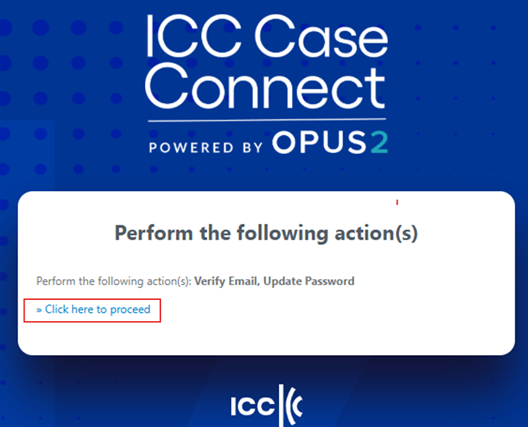
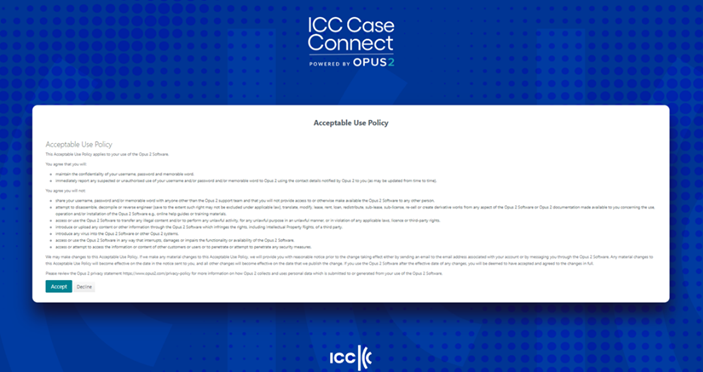
Setting up your password
1. When you accept the Acceptable Use Policy, you will be prompted to set up your desired password:
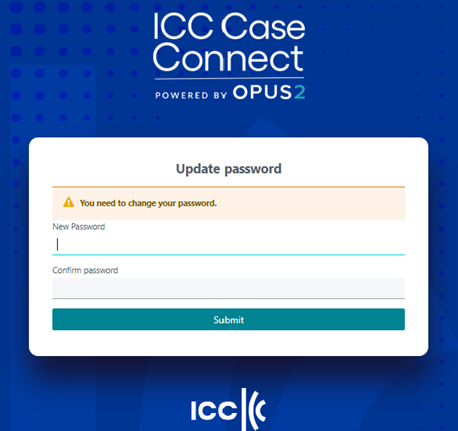
2. Once you click "Submit", you will receive the confirmation that your account has been updated. Your account registration is now complete, and you will be led to the login page by clicking on "Back to Application" or directly via this link: https://icc.on.opus2.com/.

Logging in
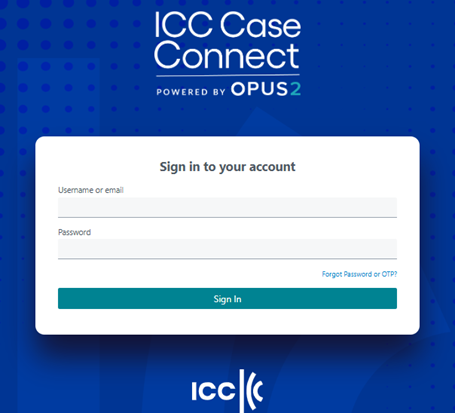
2. You will receive a six-digit one-time access code (OTP) at your registered email address from no-reply@iccwbo.org. The OTP will remain active for 5 minutes and may be regenerated by simply restarting the login process.
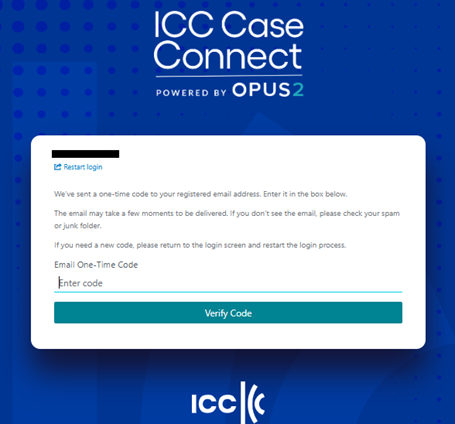
After entering your OTP, you will be able to access Case Connect.
Please note that your password and an OTP will be required each time you log in to the platform.
For additional support, please contact caseconnect@iccwbo.org.
Was this article helpful?
That’s Great!
Thank you for your feedback
Sorry! We couldn't be helpful
Thank you for your feedback
Feedback sent
We appreciate your effort and will try to fix the article